

With the growth of the freelance market and e-commerce, it is natural that the need to create an online portfolio also grows. If you need to know some tool options for this purpose, you have come to the right place.
You will know practical and popular options to perform good presentations of your projects to customers as well as learn tips to increase your customer conversion.
Shall we get started?
How and Why Create a Portfolio?
With the number of freelancers growing daily, perform a differentiated presentation of the services you are able to do is a must of the market.
Whether you are a beginner or experienced freelancer, there is no escaping this path if you always want to find better customers, who can open up new opportunities and generate even more income.
In the past, there was still talk of portfolio in Word to move to PDF and send the file to the client via email... All this is in the past!
Nowadays, a portfolio of quality and good presentation should be possible to be accessed directly, all by the cloud. It is safer for the customer you access, more practical for both parties and still allows you to perform updates very easily.
So check out below the best tools to create your online portfolio and add value to all the proposals you submit.
Which The Best Options To Create An Online Portfolio?
Zyro
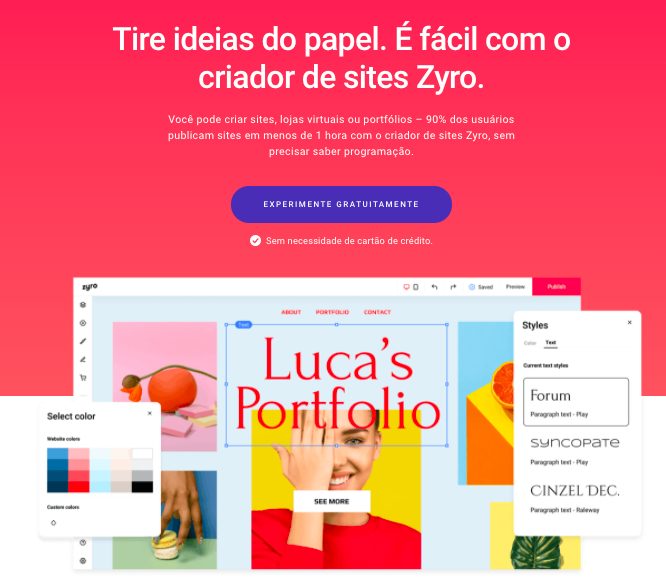
Focused on all types of portfolio, the tool Zyro it is practical and very efficient: it requires zero code knowledge, it has real-time editor and already offers numerous templates for you to create your portfolio.
More than just creating a portfolio, with Zyro you can also create a full personal website: a page for portfolios, a about us and even link a personal blog (if you have it) to demonstrate each feature of your ability.
With 100% editable templates and more than features to create only the portfolio, this tool offers everything a freelancer needs to take his career off.
Behance
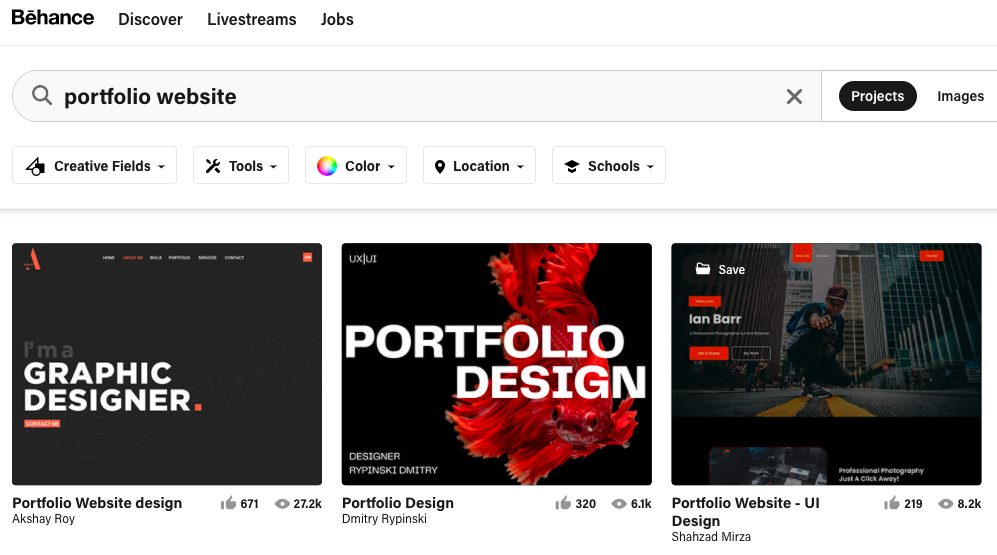
This is a free platform very popular for those who work with illustration, design, photography and other forms of visual arts. The portfolio layout format is a gallery, which makes this type of project much more easily visible.
Behance almost works as a social network: just like Pinterest, people can search for tags and find artwork, viewing them on the artist's page. A great way to seek inspiration and closely monitor the work of many other professionals.
So if you act with these areas, you must create your portfolio in Behance. It will be a new opportunity to get customers and contacts, as well as being a good portfolio host.
Coroflot
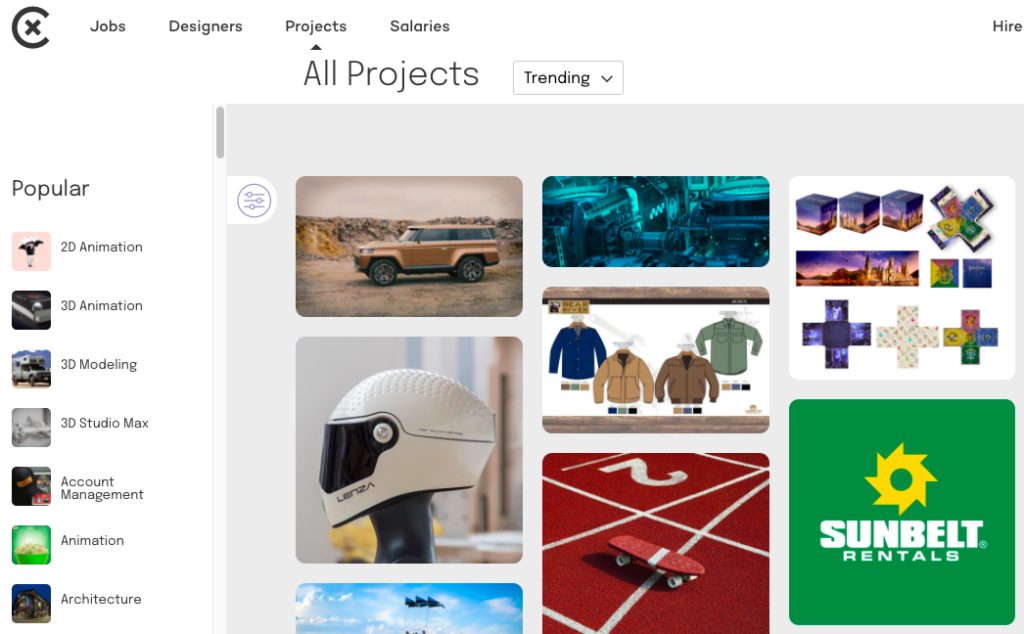
Like Behance, it is also a popular platform among designers. With the possibility of uploading infinitely, Coroflot is one of the favorite tools of experienced designers.
Large companies have profiles in this network – such as Google and Facebook, and end up hiring artists from this platform to carry out some of their projects.
You want a chance to be seen by big players? Create a portfolio in Coroflot.
Adobe Portfolio
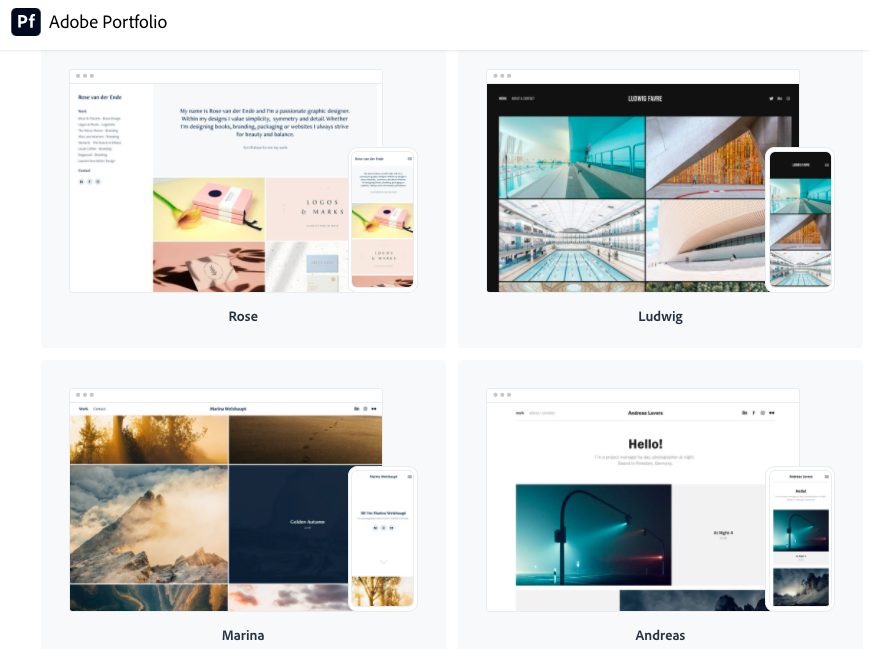
If you are an Adobe client, this is one of the best options available. There are over 30 responsive templates for you to use to edit your project pages.
Free for customers Adobe, this tool is good for being practical to use, allowing high editability of templates and easy use (no codes).
If you use other Adobe services, this option is excellent- I'm sorry. However, if you do not handle the tools of this company, you will have to create an Adobe account and pay for a monthly fee for services you will not use.
How to Use My Portfolio In My Presentations?
With a well-built and structured portfolio, it is easy to make an invitation to your client to access your website and know your work.
Work hard to organize your projects across multiple links (if possible), and always try to filter your client's profile. So you will always know which of the projects to send to win it.
In addition, having more than one portfolio is also possible: you can create free portfolios and include them on a personal site, so you use both resources to disclose your potential.
Highlight photo: Photo by George Milton from Pexels













