
There are many reasons why a server can fail. You don't know exactly what happened or why it happened – all you know is that something is wrong but fortunately there are also many ways to fix it. In this article, I will address some of the most common causes of server errors and the best ways to resolve them.
Think of the following scene: your site has just been published, you or your technical team have made important changes or updates and after that, everyone is anxious to access it and see how it looks, but “out of nowhere” comes the so feared message of server error!
Immediately comes the feeling of frustration accompanied by a doubt: and now, what to do? You may find the answer complicated without first investigating, so it is necessary to interpret the main server errors, know what they are and how to solve them.
Contents
Toggle- What is an internal HTTP 500 server error?
- Understanding the main causes
- How to resolve server errors?
- Do 500 errors affect SEO?
- Other common error codes
What is an internal HTTP 500 server error?
An internal HTTP 500 server error is a message that warns about a general error. It covers unexpected problems that do not fit the existing error codes. HTTP 500 errors are difficult to solve because a number of problems on the server side can trigger them and the point is to try to find their source.
Error messages can come in all kinds, but they all mean the same thing. Here are some variations you can find in your browser:
- 500 Internal Server Error
- 500 Error
- HTTP 500 Error
- Temporary Error (500)
- 500
- The site cannot display the page – HTTP 500.
- At the moment, this request cannot be met. HTTP 500 ERROR.
Examples of elements that may be causing the problem:
- Your browser cache needs to be cleaned
- Incorrect database login credentials were used
- The website database is corrupted
- The main WordPress files have been corrupted
- There are problems in the database server
- PHP memory limit is exhausted
- Server ran out of disk space
- The .htaccess file is corrupted or broken
- There are problems with plugins and third party themes
- There may be time limit for PHP or errors with third party plugins
- There are incorrect file/folder permissions
- There are CGI or Perl script errors
- Your hosting company made a change.
See also:
- WaveMaster AI closes 192 spots in Brazil by integrating 20 monitored beaches and over 800 beaches on 6 continents
- Forget the “123456”: How a Password Manager Can Simplify Your Digital Life (and Avoid Head Pain)
- Password Manager: The Unnegotiable Pillar of Your Digital Security in the Connected Age
- The Power of Google Evaluations: How to Improve Your Business’s Reputation
- How to make a diagnosis of your website performance
- CRM for real estate and construction companies: boosting sales and loyalty to customers
- Best practices for digital security on websites
- Does organic reach still make sense in digital marketing?
- Optimizing AI Ads for Digital Performance
- What territorial marketing is and how to do
Understanding the main causes
One of the most common causes of HTTP 500 server errors is the lack of available memory. If your server is low on memory, it may start showing errors. One way to resolve this is to add more memory to your server.
Another common cause of server errors is a hard drive that has a fault. If your server's hard drive is defective, it may start showing errors. One way to solve this is to replace the hard drive.
A third common cause of server errors is defective motherboard. If your server's motherboard is defective, it may start showing errors. One way to solve this is to replace the motherboard.
If the server used is showing errors, there are several things you can do to try to fix them. The first step is to check the server logs. That's where a list of all the errors that occurred on the server appears. This is crucial to help determine the cause of the errors.
How to resolve server errors?
It is important to highlight that you should provide updated backups whenever changes are made to the site and its settings, a security to be able to return the condition prior to the error, if a change is made that is not possible or not known how to reverse.
With this in mind, check out some of the solutions for HTTP 500 errors, according to guidelines I have sought on the main server platforms in the market. The following terms may seem very technical for lay people, but it is important to know the theory and if you have difficulties, count on a specialized agency or experienced professional:
Permission
It is one of the most frequent causes of internal server errors. By default and for security reasons, the specified is that files have permission 644 and folders, 755. Even though it is uncommon, some CMSs (Content Management System or Content Management System) change the default permissions to some installations and it is possible to reverse, returning to the original permission after the completion of the process;
.htaccess file
Here's another frequent cause of error. The .htaccess file usually appears in the main folder of the site, but it can also be located in other folders and constitutes a means of configuring website parameters and account environment. When making changes to this file, rename the original to have an unchanged copy of it and thus return to the default prior to the modification quickly;
PHP Version
It is also common reason to present HTTP errors, as the site programming may be performing requests that are incompatible with the version used. The issue is easily resolved by changing the version required by the site or CMS used, directly in the cPanel of the account;
PHP Extensions
As with the version, certain websites, frameworks and CMSs require that some extensions be activated for the site to work properly. The absence of a required extension may cause errors. Also as in the case of the PHP version, the available extensions can be quickly and easily activated via cPanel;
PHP Settings
As part of the PHP version and its extensions, cPanel also offers the possibility of configuring aspects such as memory, maximum runtime, among others. Incorrect settings or even absence of them, may be a cause of error, due to lack of memory for running a routine, for example;
Mod security
This is a server security module Apache, whose role is to include security rules for certain requests made by an account, blocking the programming that meets inadequate standards and practices. In this case, there are two alternatives. Correct the corresponding programming, or disable the rule that causes error, but keeping in mind that in doing so, the security of the site will be compromised.
Firewall
Security options such as IPTables and Imunify360 are some of the possible causes. In the first case, only the hosting support can check. In the second, it can be identified if there is any rule of the Immunofy360 that is causing the problem and perform the corresponding correction or release through the cPanel.
Do 500 errors affect SEO?
Yes, 500 errors can have a negative impact on SEO if they are not solved.
Googlebot usually tries again the pages that present 500 errors. If they persist, Googlebot will reduce the tracking frequency and, over time, eliminate the URLs from the index.
In addition, if the 500 errors are occurring due to a malware infection and Google identifies that your site has been hacked or is displaying malicious content, the infection may result in a blocking list – and this can significantly affect your search ratings and organic traffic.
Therefore, the first step is to determine why 500 errors are occurring and resolve them to minimize the risk of affecting SEO.
Other common error codes
HTTP codes show how your web browser and website communicate. These are some other common error codes you can find:
HTTP 200
This is a standard status code for well-performing websites.
HTTP 301
This is the code for permanent redirects. Let's say you have two pages of website about trips with duplicate information and one gets more traffic than the other. It makes sense to redirect the low traffic page to the high traffic page to improve your site's SEO.
HTTP 302
This code is for temporary redirects. This is for situations where you want to send users to an alternative page for a short period of time.
HTTP 304
This code appears when the site you are requesting has not been updated since your last visit.
HTTP 403
This code comes from the server when you are trying to access a restricted URL.
HTTP 404
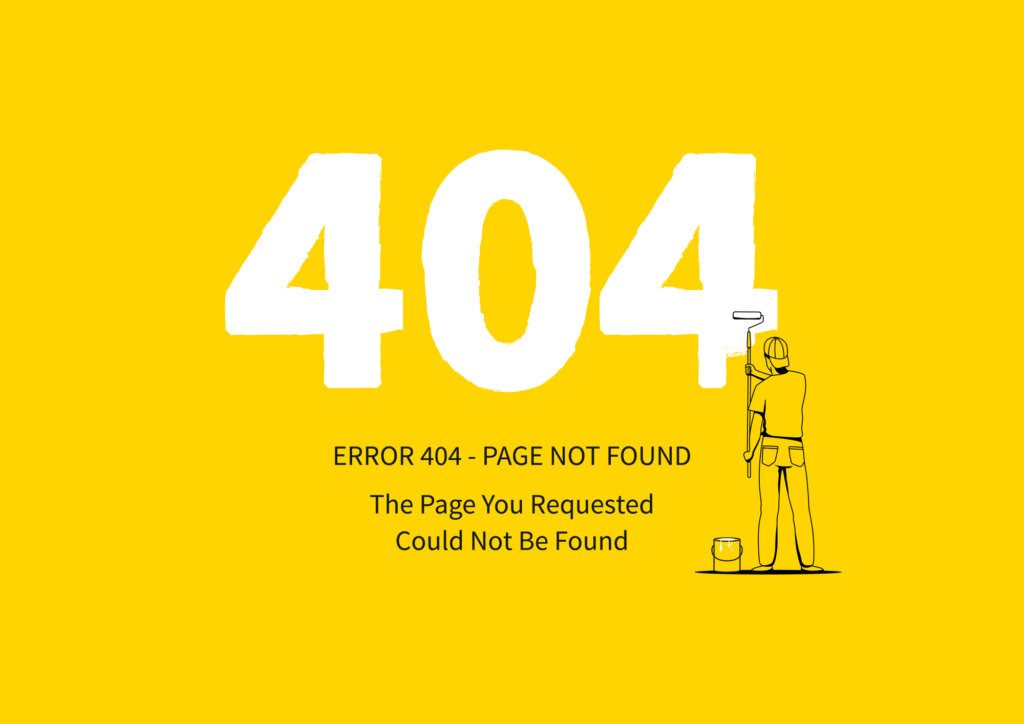
A 404 code informs its users that their server cannot find the page they requested with the browser. 404 errors are common and some websites use this in their favor.
HTTP 405
This is an HTTP response status code error. It informs that a web browser wants to access your web page and your server rejected this specific HTTP method. This means that the browser cannot access the requested web page.
HTTP 410
This is a permanent code that informs visitors of the site that the page they are looking for does not exist.
HTTP 413
This code appears when a user tries to load a file that exceeds the server file size limit.
HTTP 429
This error is a server response to stop sending requests due to overburdened resources. This code may appear if your website needs to make many API calls to meet a request.
HTTP 503
This code informs users that the server is temporarily unable to load the page they are looking for.
Tip:
When you find a server error, the best thing to do is try again later. The server may be in maintenance or there may be a problem that is preventing you from responding. If the problem persists, you may need to contact the server administrator to get more assistance.













